
Take the app tour
The short BossMode tour shows Today, Money, the AI Boss and Settings. Here is how to start it again.
The tour points at each main part of the app, one step at a time. It takes about a minute.
- When you first open the app, tap Take the Tour on the welcome card.
- Tap through each step, or tap Skip tour to stop at any time.
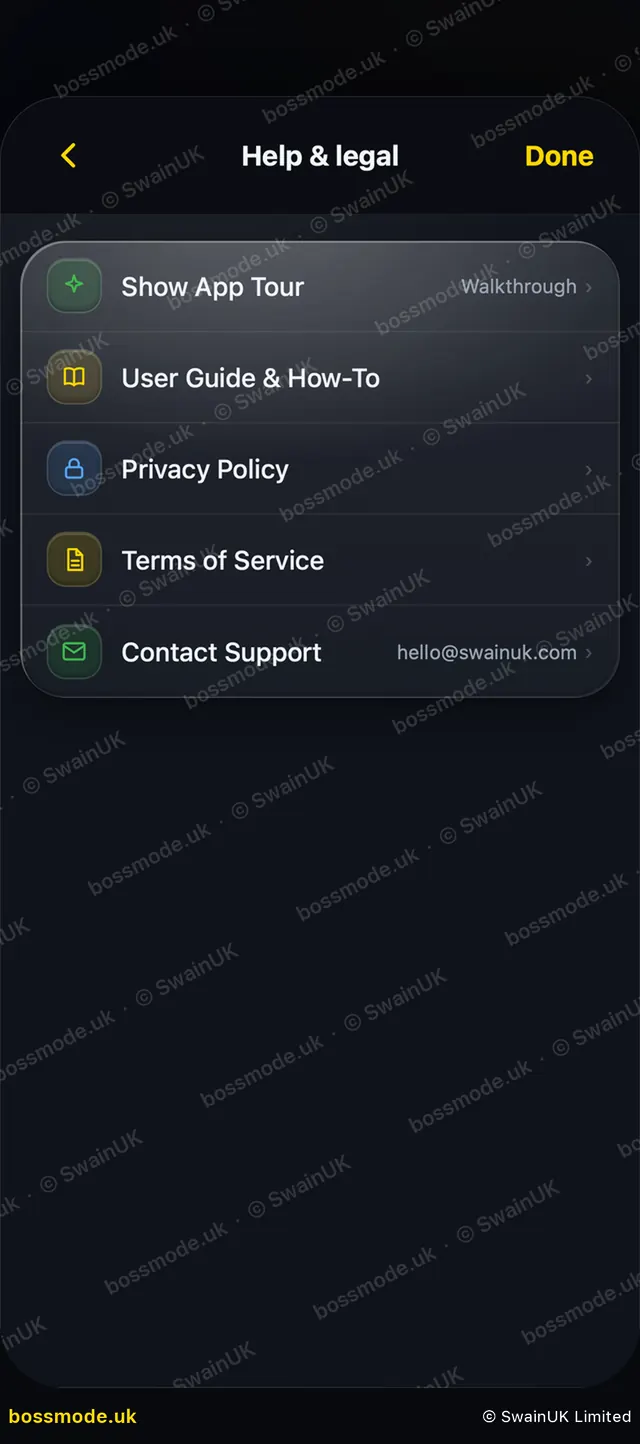
- To see it again later, open Settings → Help & legal and tap Show App Tour.
The app stays usable while the tour is showing, so you can tap away from it.
Was this helpful?
Still stuck? Contact us
We answer within 2 working days (UK office hours).
Contact us