
Backups
Make a backup file of everything in BossMode, and restore it if you need to.
- Open Settings → Backup & data.
- Tap Back Up Now (everything, including receipts) or Export Backup. The file name has the date, time and device, for example bossmode-full-backup-2026-10-26-0930-iphone.json.
- Save it to Files or iCloud Drive.
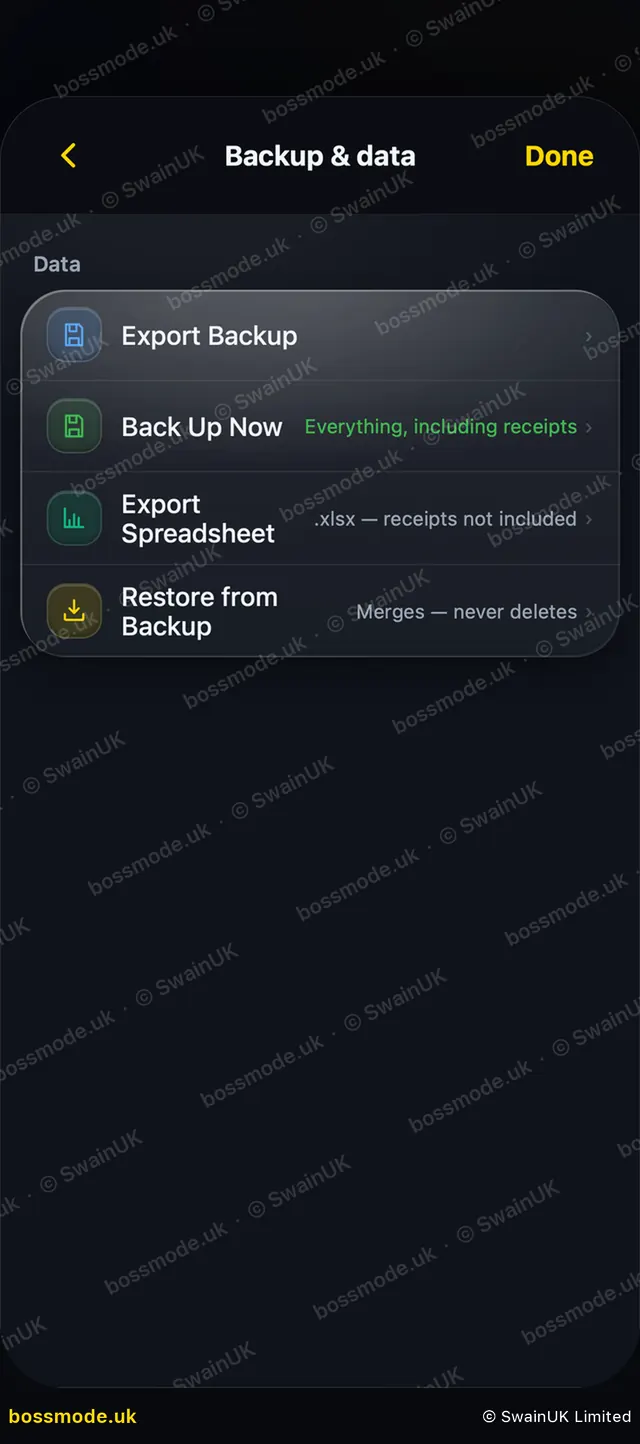
To restore, tap Restore from Backup. It merges and never deletes. Before anything is replaced, BossMode shows how many entries will change and asks you to confirm.
Export Spreadsheet gives you an Excel (.xlsx) copy of your money. Receipts are not included in it.
After restoring, tap Push to Cloud so your other devices get the restored copy.
Was this helpful?
Still stuck? Contact us
We answer within 2 working days (UK office hours).
Contact us