
Cancel your subscription
Cancel a BossMode subscription through your Apple ID subscriptions.
Apple handles all payments, so you cancel with Apple. We never see your card.
- Open the Settings app on your iPhone.
- Tap your name.
- Tap Subscriptions.
- Tap BossMode.
- Tap Cancel Subscription.
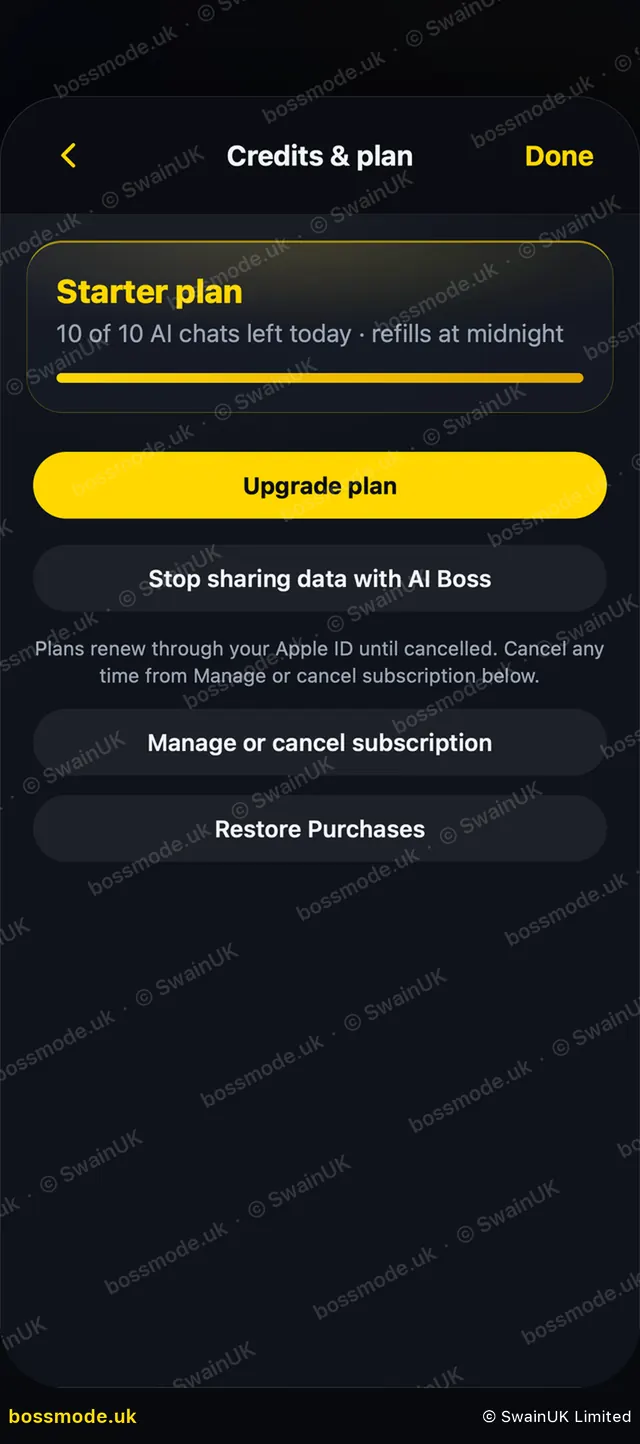
Shortcut: in BossMode, open Settings → Credits & plan and tap Manage or cancel subscription.
Your plan runs to the end of the period you paid for. Cancelling during the free trial stops the AI at once, but your data stays.
Refunds are handled by Apple: reportaproblem.apple.com.
Deleting the app does not cancel a subscription.
Was this helpful?
Still stuck? Contact us
We answer within 2 working days (UK office hours).
Contact us