
Company tax figures (CT600)
See your limited company figures for the Company Tax Return (CT600), with the asset register and loan account.
For a limited company, BossMode lays out the figures your accountant or filing software needs for the Company Tax Return (CT600): turnover, costs, capital allowances, and items such as the director’s loan account and anything still owed on finance.
- Run Money → Check your books first.
- In Money, tap Tax return, then Company (CT600).
- Pick the year and follow the steps.
- Review each figure. The asset register is on the company tax screen too.
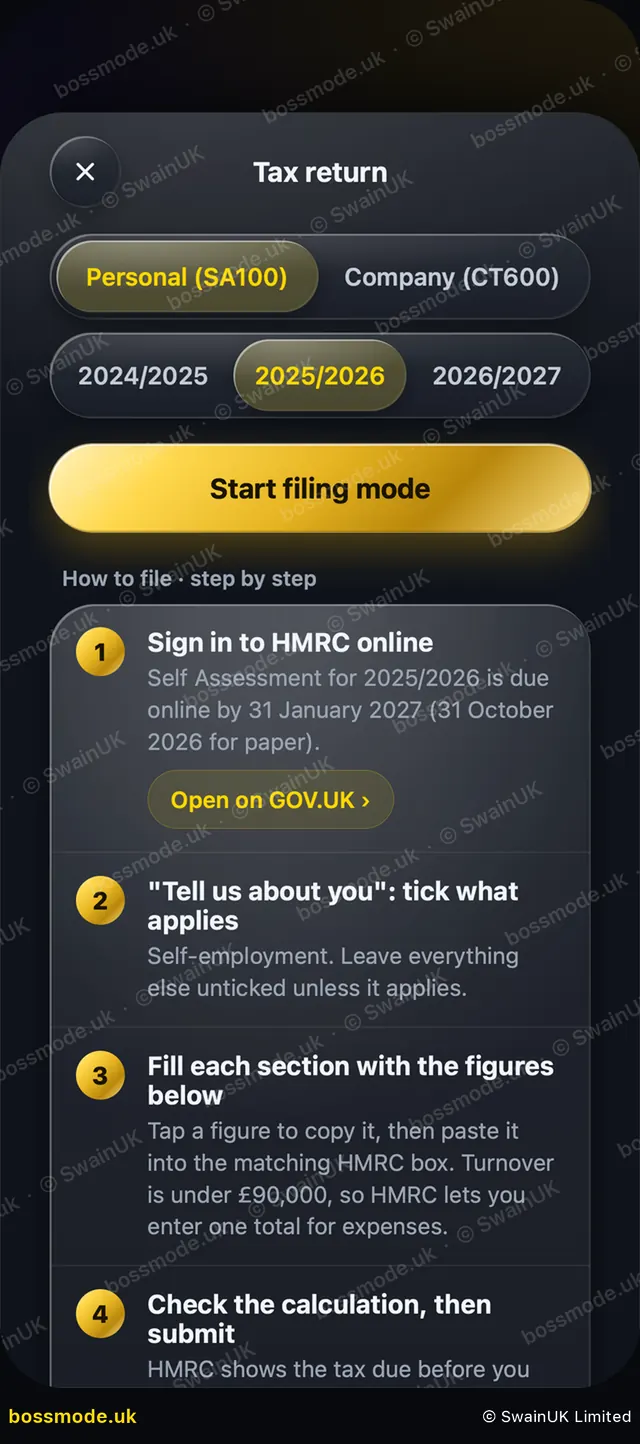
Company Tax Returns are filed with HMRC, with accounts at Companies House. See Company Tax Returns on GOV.UK.
BossMode does not file anything with HMRC. You file your own return on GOV.UK, or your accountant does. BossMode is a guide, not tax advice. Check your figures with your accountant before you file.
Was this helpful?
Still stuck? Contact us
We answer within 2 working days (UK office hours).
Contact us