
Delete your account
Permanently delete your BossMode account and data from inside the app.
- Open Settings → Account & profile.
- Tap Delete My Account.
- Confirm.
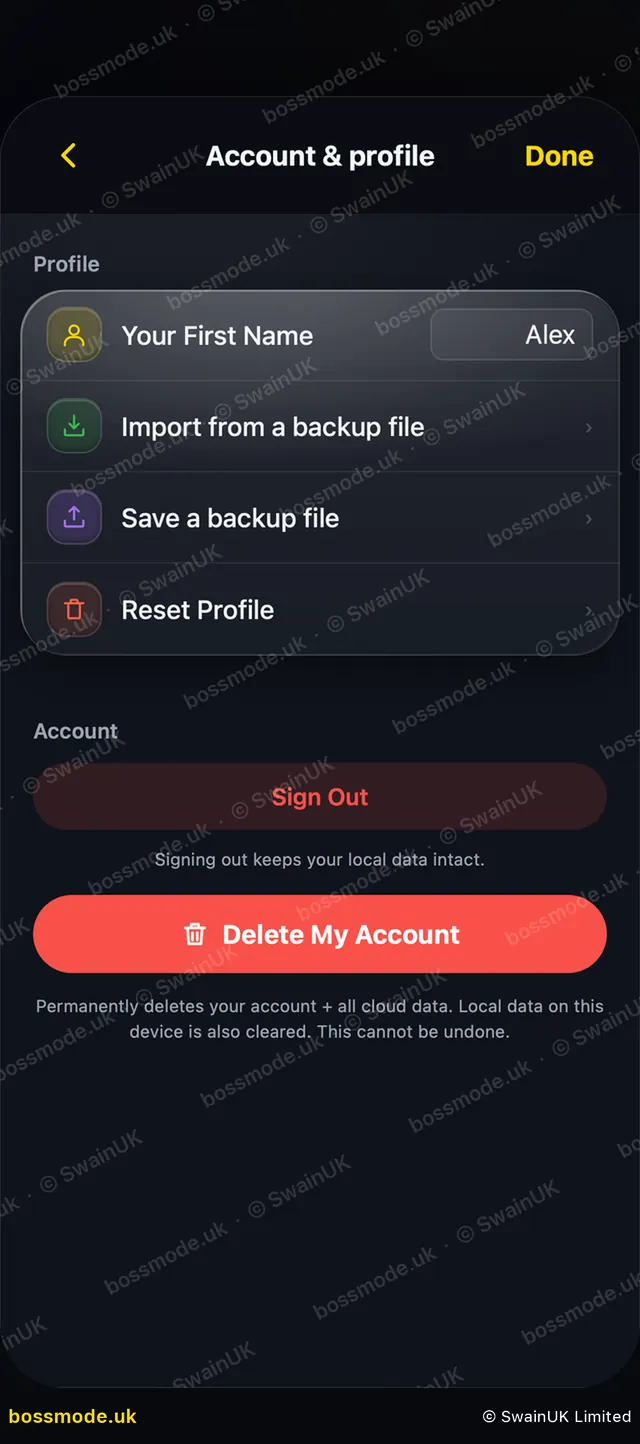
This permanently deletes your account and all your cloud data, and clears the data on this device. Our servers remove it within 30 days, and backups are cleared on the same cycle. It cannot be undone.
Only want to sign out? Tap Sign Out instead. Signing out keeps your local data.
Deleting your account does not cancel an Apple subscription. Cancel it first: see Cancel your subscription. Want a copy first? See Export your data.
Was this helpful?
Still stuck? Contact us
We answer within 2 working days (UK office hours).
Contact us