
Add a receipt
Attach a receipt photo to an entry, or let the AI Boss read a receipt and log it for you.
Attach a receipt to an entry
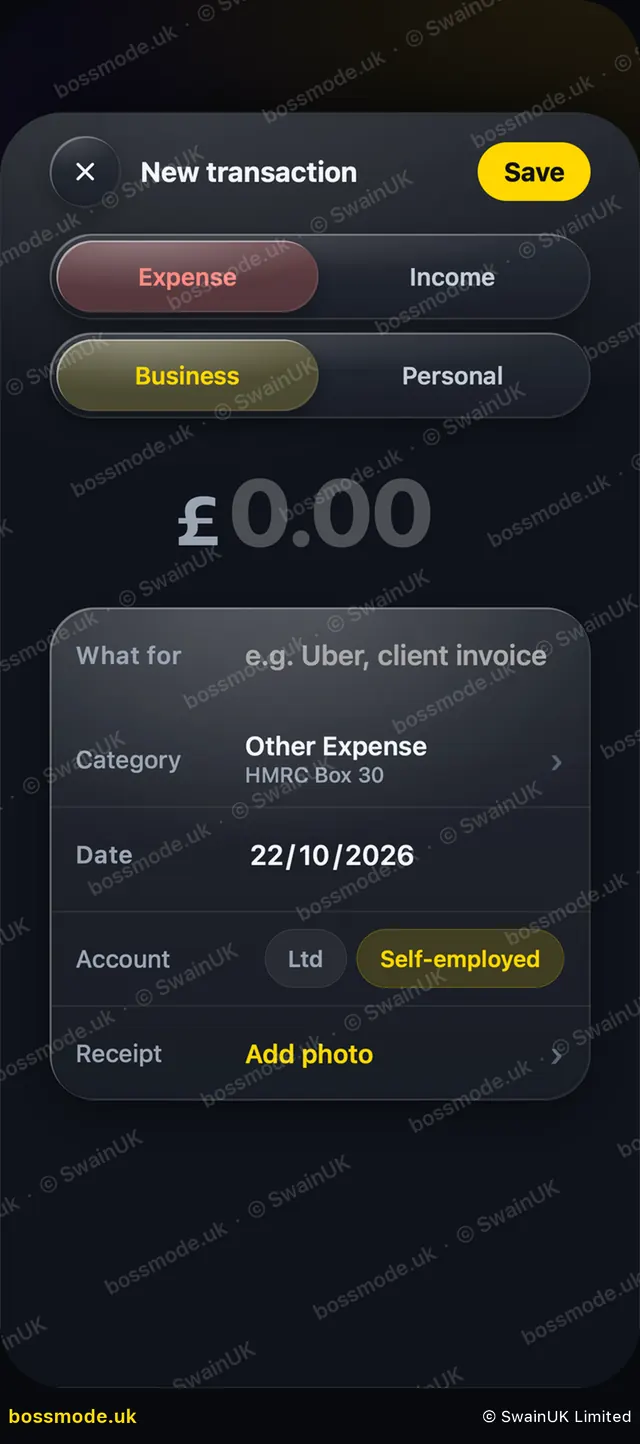
- Tap the entry in Money, or start a new one with the gold +.
- On the Receipt row, tap Add photo.
- Take a photo or choose one from your photos.
- Tap Save. The receipt stays with that entry and is included in Back Up Now.
Let the AI Boss read it
On Pro and Business, take a photo of a receipt and the AI Boss reads the shop, date and amount and logs it in the right category. Check what it logged before you rely on it.
HMRC can ask for evidence of business costs. Keep your receipts, and keep business records for at least 5 years after the 31 January filing deadline (6 years from the end of the accounting period for a company).
Was this helpful?
Still stuck? Contact us
We answer within 2 working days (UK office hours).
Contact us